Lawn care crew app: filling overtime with an open shift
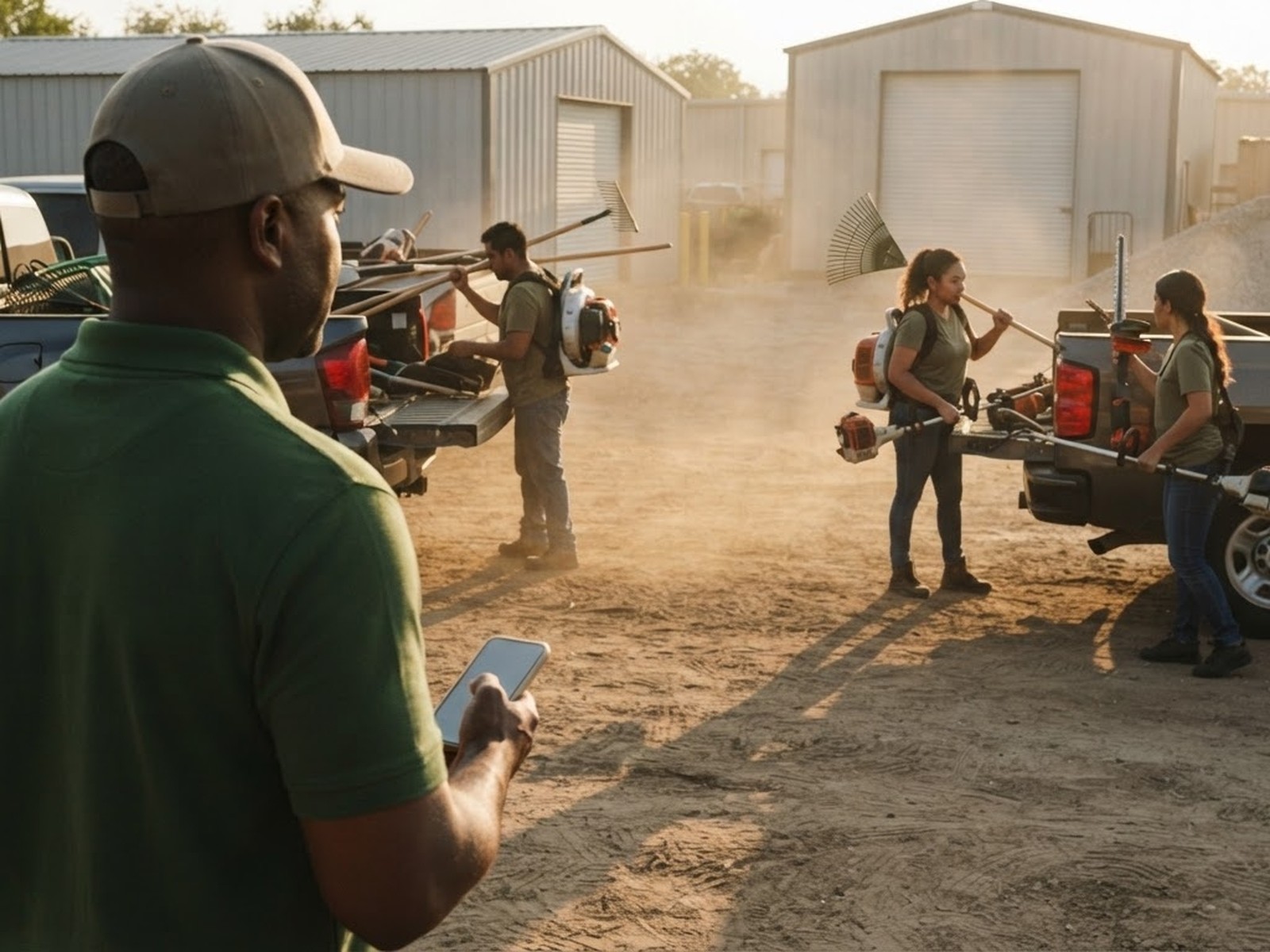
Every lawn care and landscaping owner knows the moment. A customer calls with an extra property, a crew lead is out, or a job runs long and someone has to cover Saturday. The work is real and it has to go to somebody. The question is how to find that somebody without an evening of phone calls.
For most small companies the answer has been a group text. It works, after a fashion. This post looks at why it so often goes wrong, and how an open shift in a lawn care crew app settles the same question with one post and one tap.
Why the group text breaks down
A group text has no owner of the answer. Three people reply that they can do it, two more reply later without reading the thread, and the owner is left sorting out who actually has the job. Someone who said yes first may lose out to someone who replied louder. Someone who did not see the message at all asks about it the next morning.
It also reaches the wrong people. A note meant for one truck goes to all fifteen guys, and a question about one property turns into a long thread that everybody has to scroll past. The result is a lot of noise for a decision that should take a minute.
Most of all, a group text leaves no clean record. When the job is done and payroll comes around, nobody wants to search a thread to remember who covered which day.
How an open shift works
On the Crew plan, overtime is posted as an open shift. The owner or a crew lead writes it as an announcement and aims it at the people who should see it. Everyone it is aimed at gets a push on their phone.
The first person to tap I'll take it has the shift. Everybody else sees that it is gone, so nobody shows up for a job that was already covered. The owner is told who took it and when. If an owner would rather choose, the open shift can be set to require approval of the taker instead of going to the first tap.
The Crew page walks through a normal day. A supervisor posts an overtime run at 6:10 AM, a driver taps I'll take it at 6:14 AM, and everyone can see it is taken. The same flow fits a landscaping company posting a Saturday cleanup or a property that needs a second visit.
Crew leads can do this on their own. Make each lead a supervisor and they run their own truck: they see their crew, post an open shift, and send their guys a note without it going to all fifteen.
What the crew has to do
Very little. There is nothing to download and no account to make. A crew member taps the company link, puts in their first name and a four-digit PIN, and they are in. No email address and no phone number are needed. They need a phone that opens a web page, which is nearly all of them, and the app can be added to the home screen.
The same screen holds the rest of the day. Clock in, clock out, requests and announcements all live in one place, so the open shift arrives where the crew already looks. When they reach the yard or the property, they tap I'm here, and that is the whole ask.
If the signal is weak at a job site, nobody loses a punch. The punch is saved and flagged, never blocked, and offline punches queue and send with the original time.
Covering the job without tracking anybody
Owners sometimes worry that a crew app means watching their people all day. It does not. Location is read only at the moment somebody taps a button, and never in between. There is no map, no breadcrumb trail and no background tracking. If a tap comes from somewhere that is not the job, it is flagged as unconfirmed so the owner can ask about it. The privacy page covers how that data is handled.
For crews that work somewhere new every day, the regular places can be saved once and check ins verify against any of them. For one off properties, the tap still records the time and whether the location matched, and the crew lead can add a note.
That record pays off at the end of the week. Check in to check out, per man, per day, goes straight to a CSV with hours to two decimals. Whoever covered the open shift shows up in the hours like any other day, so there is nothing to reconstruct from a text thread on Sunday night.
The open shift board is on by default when a Crew plan starts, and the owner can change it later in Settings. The plan is $29 a month flat or $290 a year for up to 50 people. It does not go up when you hire, and there is no charge for somebody who left. The 14-day free trial is on the monthly plan, and you can cancel from inside the app. The help page answers setup questions if you want to read more before you start.
Post your next overtime job as an open shift and see who takes it first.
See the Crew plan